Why Do Your Printed Photos Look Dull? 6 Common Mistakes and Fixes
The photo looks amazing on your phone, but on paper it's dull or streaky? Before blaming the printer, check these six mistakes. Most can be fixed in a minute.
1. Wrong paper type setting
Your printer decides how much ink to use based on the paper type you select. If it's set to "Plain Paper" while you print on photo paper, colors come out weak. Choose "Photo Paper Glossy" or "Matte" to match your paper.
2. Printing on the wrong side
Photo paper has a printable side. The glossy or smoother side holds the ink. Print on the back and the ink smears and won't dry.
3. Quality set to "Standard"
For photos, choose "High" or "Best". It takes a little longer, but the difference is clear.
4. Print heads need cleaning
Horizontal lines across a photo mean clogged nozzles. Run "Head Cleaning" from your printer software, then a "Nozzle Check".
5. Low image resolution
Photos sent over WhatsApp get compressed and lose quality. Print from the original photo in your gallery.
6. The paper isn't made for photos
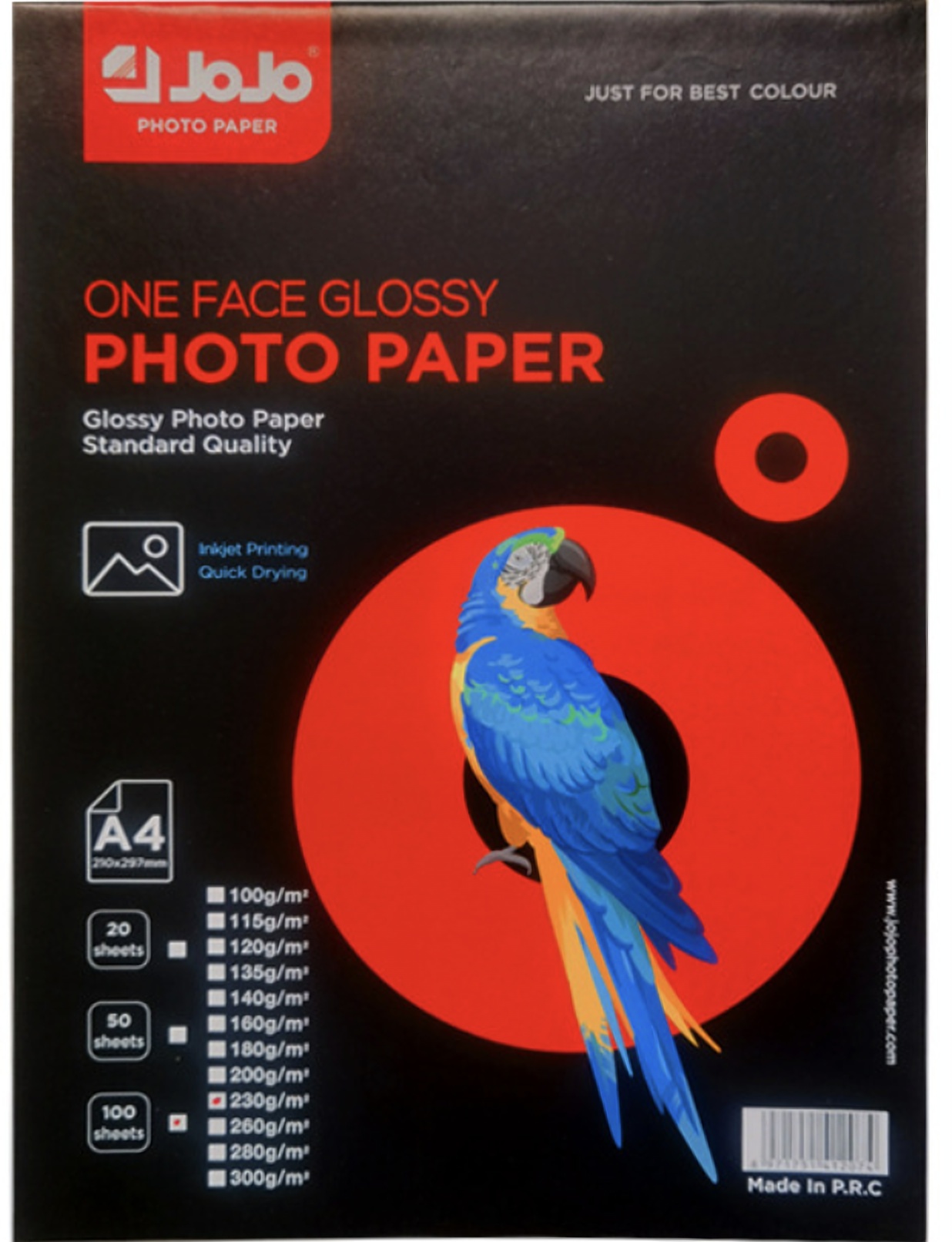
Regular office paper absorbs and spreads ink, so colors fade and edges blur. Photo paper has a coating that holds ink on the surface, and that's where the real difference shows. Many people are surprised the whole problem was here, and that the fix is cheaper than expected: A4 glossy photo paper like JoJo 100gsm starts at under 0.40 SAR per sheet.
Summary
Right setting + right side + right paper = a near-studio photo. Try the steps in order, and you'll usually find the problem in the first three.
And if you reach step six, you can browse the available photo papers and pick the weight that suits your photos.